Home  >  Services  >  Capture >  

GoCapture

GoCapture

Empower your team to capture site conditions with greater control, consistency, and visibility.

Document anytime – quickly and easily

Construction teams have enough to manage. Documenting as-built conditions shouldn’t slow them down. Hexagon Multivista GoCapture makes it easy to document as-built project conditions as you move through the site, streamlining your reality capture without adding extra steps. With an intuitive interface, any project team member can start capturing right away.

Benefits

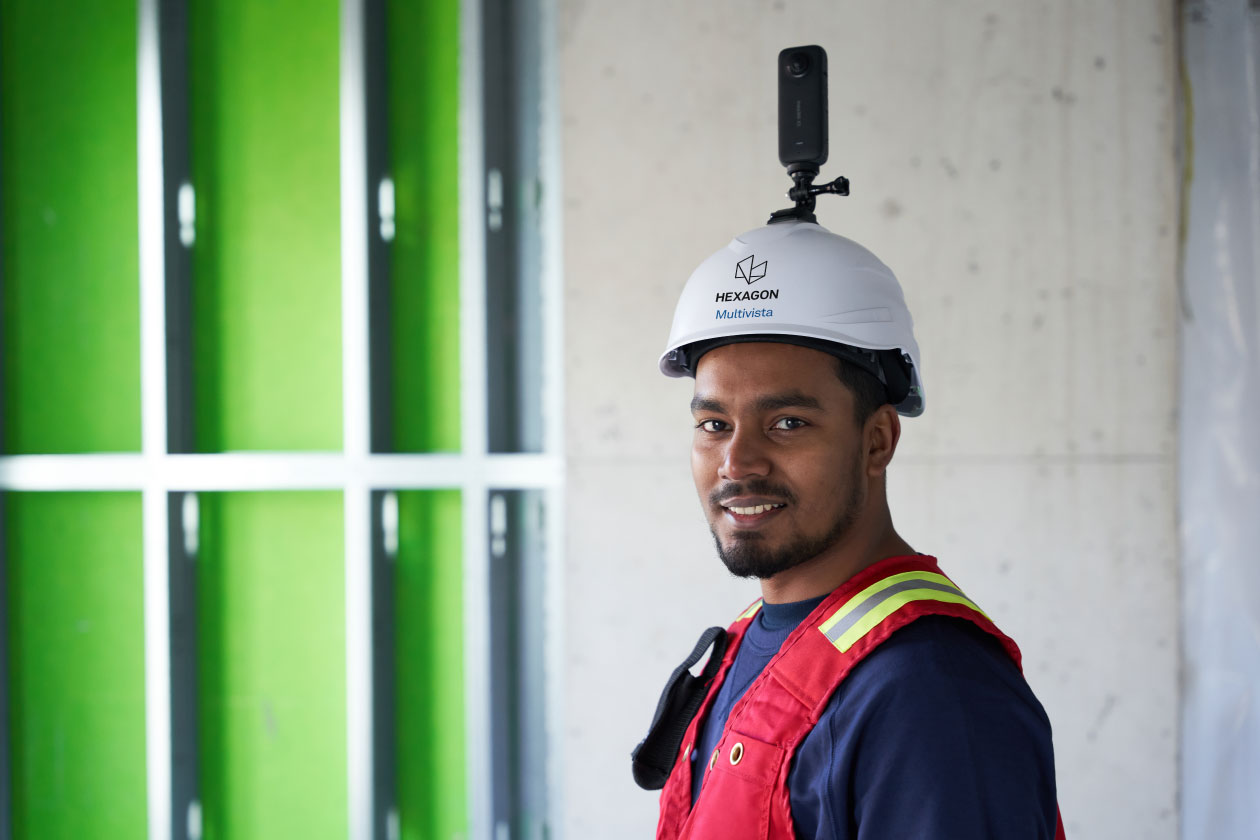
Capture progress when and where you need with a 360° camera or your phone or tablet.
Access online as-built data anytime from anywhere to monitor project status and improve field coordination directly within floor plans and models.
Centralize visual project documentation across all stakeholders to verify trade progress and streamline pay application reviews with greater confidence.

GoCapture

Built for Job Site Teams

Flexible capture

Capture the exact project areas you need, when you need them, with a 360° camera or your mobile device.

Fast documentation

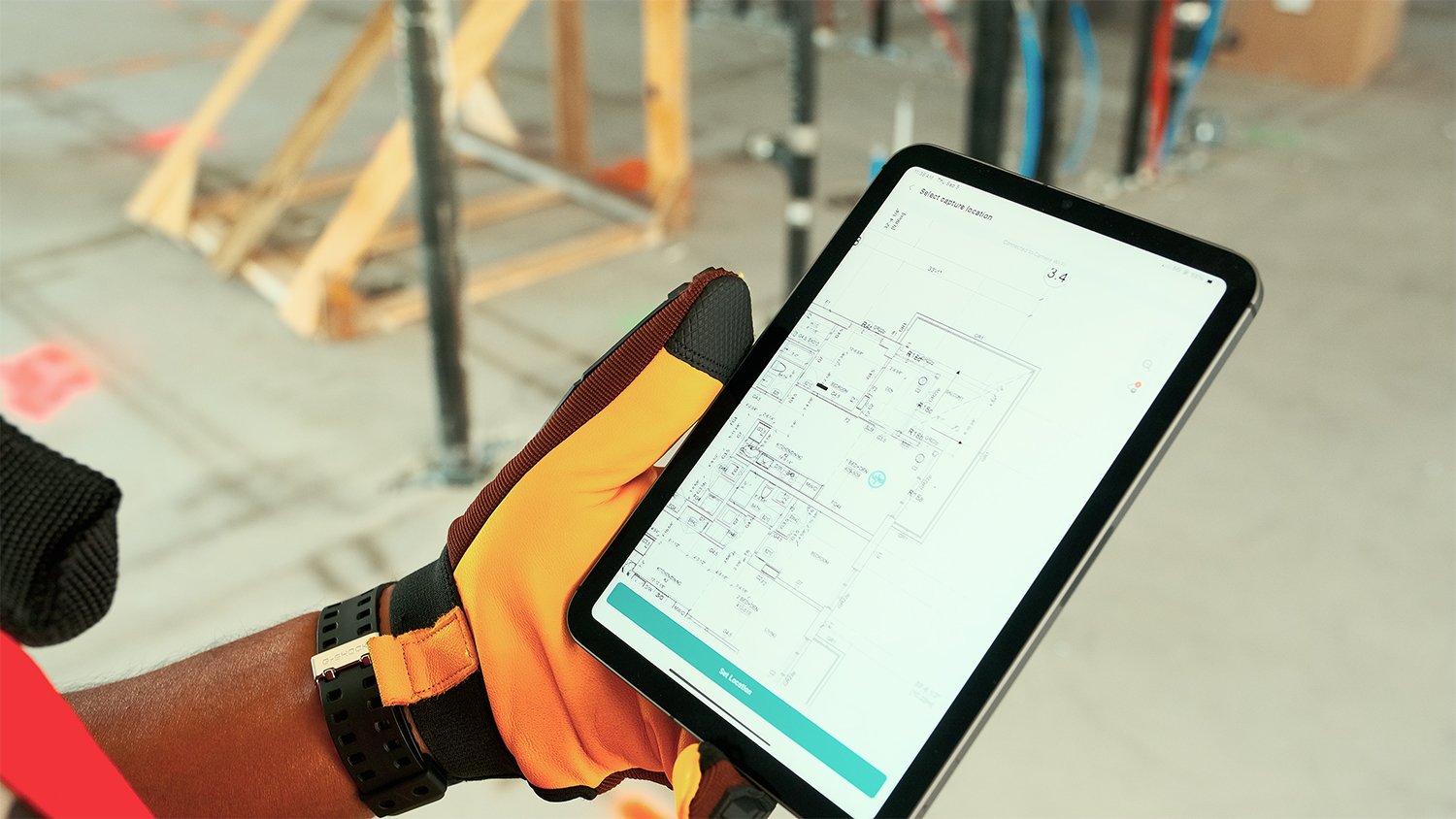
Quickly capture site conditions with automated floor plan mapping that simplifies documentation workflows.

Access anywhere

Access and review jobsite imagery securely from any device, anywhere your team works.

Project visibility

Track milestones and monitor project progress with visual documentation from every stage.

Better accountability

Verify work quality, support RFIs, and better inform decisions with clear visual records.

Supplement as needed

When needed, supplement your self-capture documentation with professional, full-service reality capture, all accessible in one place.

How it works

Download the app

Want weekly captures? Bi-weekly captures? Key milestone documentation? The GoCapture app allows anytime capture. Download the app from the App Store or Google Play Store.

Link your camera

Link your 360° camera with the Hexagon Multivista GoCapture app.

Select the shoot type

Select the type of capture (360° photo, 360° walk, or 2D photo) you’d like to shoot.

Walk the site

Walk the project site to take photos and/or videos.

Upload

Finish capturing and upload your data.

Analyze

Review visual progress mapped to floorplan and BIM in our secure cloud-based Analyze Hub.

Industries

GoCapture works across every industry.

Testimonials

Discover success stories from our clients

FAQ

All imagery is mapped to the project floor plan and organized by location and capture date, making it easy to navigate to specific areas of the building and review historical site conditions over time.
Traditional jobsite photos can be difficult to organize, search, and reference later. Self-capture creates a location-based visual record of your project, mapping imagery to floor plans and preserving a historical timeline of site conditions. Instead of hunting through folders of photos, teams can quickly find exactly what was built, where it was built, and when it was built.
No. GoCapture is designed to fit into existing site walks and project workflows. Teams simply capture imagery while moving through the jobsite, creating a comprehensive record without requiring extensive manual documentation or additional administrative effort. The result is better project visibility without adding significant overhead.
No. GoCapture is designed so project teams can capture conditions during routine site walks, enabling comprehensive project documentation without specialized reality capture resources. You can manage the capture process yourself, use Multivista’s reality capture services for specific milestones, or combine both approaches to fit your project’s needs.

Talk to our team

Want a closer look at GoCapture in action?

Talk to our team

Want a closer look at GoCapture in action?

Hexagon Multivista Hub is here |